
Your server now has an address.
Run a game server on your own computer. Natless gives it a public subdomain and hides your IP, with no port forwarding.
TCP and UDP · no public IP needed · your IP stays hidden
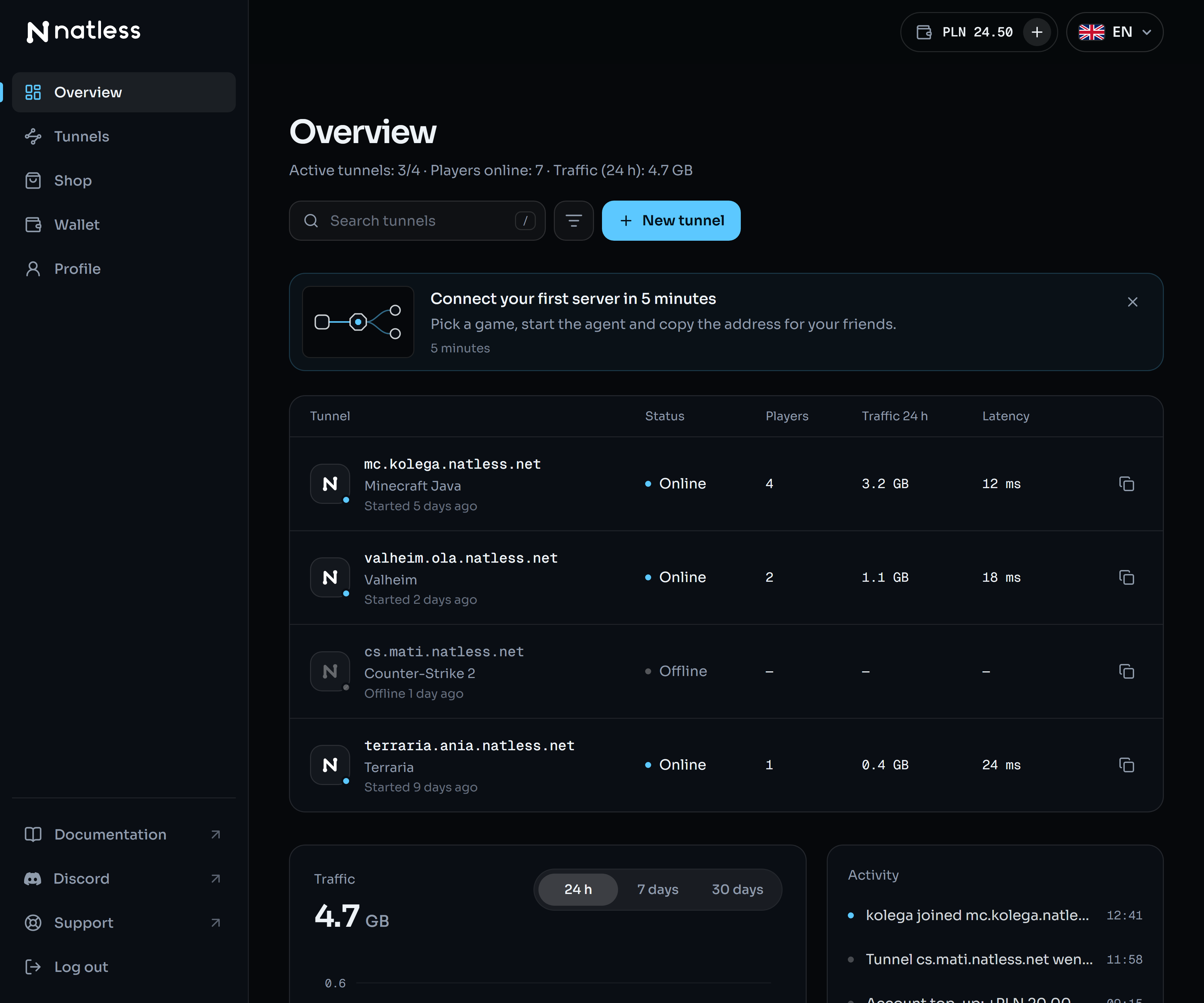
Your router doesn't have to let anything in.
The agent on your computer opens an encrypted tunnel to Natless on its own. Players connect to our address and traffic returns through the same tunnel. Nothing comes in from outside, so there's nothing to forward.
Your computer
Natless
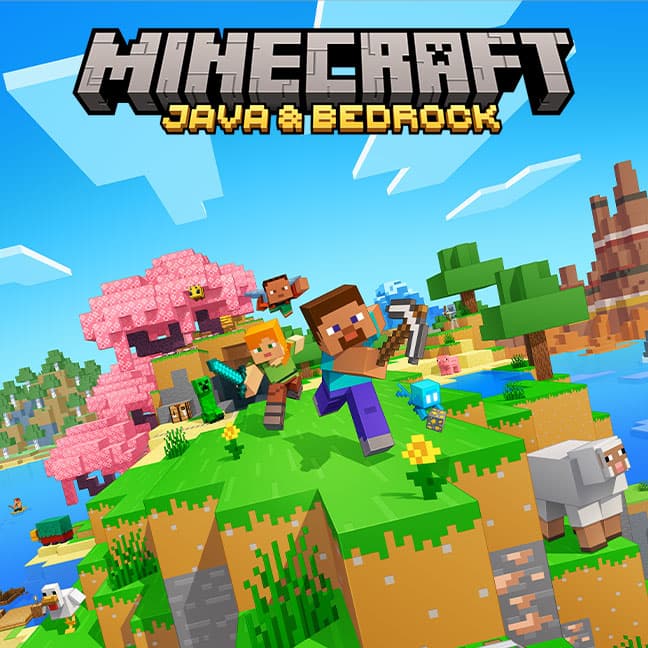


Minecraft
OnlineAddress for players
mc.kolega.natless.net:52020
- Protocol
- TCP
- Local port
- 25565
- Connections
- 3
Players
- Kate
- Mike
- Discord crew
To your router it's an ordinary outgoing connection, so there's nothing to set up. Players see a Natless address, not your IP.
If a game has a port, Natless can carry it.
Natless doesn't know games, it knows ports. You give it the protocol and the port your server runs on and get a public address. Minecraft is free, every other game is a slot from the shop.
Don't see your game? It changes nothing: all it takes is the port number from your server's settings. Games let you change ports, and in the tunnel you enter the one your server really listens on.
Your own domain instead of an address with a port.
Attach a domain you already own and give players one short address. You add DNS records, and Natless checks that they work.
Records at your registrar
TypeCNAME
Nameplay.twojadomena.pl
Valuesurvival.kolega.natless.net
TypeSRV
Name_minecraft._tcp.play.twojadomena.pl
Value0 5 31842 survival.kolega.natless.net
Without your own domain
survival.kolega.natless.net:31842
With your own domain
play.twojadomena.pl
No port in the address
For Minecraft, an SRV record supplies the port for players, so the domain alone is enough in the game.
We check the DNS for you
The “Check” button in the panel asks public DNS servers and tells you what is still missing.
The domain stays yours
It works with any DNS: at your registrar, in Cloudflare or anywhere else. You move nothing.
- An own domain is a slot from the shop, like the other add-ons.
Minecraft is free. You add the rest.
The account is free, with no card. What you add on is paid from your wallet balance for 30 days. Nothing renews by itself.
The agent for your system.
A small program on your computer: it opens the tunnel to Natless and hands the traffic to your server. You link it to your account with a code in the browser, no password typed into a terminal.
Windows
Windows 10 and 11, 64-bit
Run the file: the setup links the computer to your account and asks whether to set up a service that starts with the system.
macOS
macOS 11 or newer
Apple Silicon means M1 and newer. The agent runs in a Terminal window. macOS may block a file downloaded by the browser, which is why the command below fetches it with curl.
Linux
x64 or ARM64, any distribution
One file with no dependencies. The agent runs in a terminal window; to keep it going in the background, run it in tmux, for example.
macOS and Linux in one command
Picks the build for your processor, checks its checksum and installs the program into ~/.local/bin.
curl -fsSL https://natless.net/download/install.sh | shThen, in the terminal: first link the computer to your account, then start the agent.
natless-agent loginnatless-agent runVersion 0.1.0SHA-256 checksumsThe program is not code-signed yet, so Windows (SmartScreen) may warn before running a downloaded file.
The questions we get most often.
Short answers, including what Natless doesn't do yet.
Is it really free?
The account is. The free plan gives you one Minecraft tunnel and a traffic allowance for 30 days. More tunnels, other games, extra traffic and your own domain are bought in the shop, from your wallet balance.
Do I need to set anything up on my router?
No. The agent on your computer connects out to Natless itself, so to the router it is an ordinary outgoing connection. You don't forward ports and you don't need a public IP.
Will players see my IP address?
No. They see a Natless address or your own domain. Your home IP stays hidden.
Will the game server see players' real IPs?
Not yet: to the server every connection comes from 127.0.0.1. The game runs normally, but bans and blocks by a player's IP won't work. We would rather say so plainly.
Which systems does the agent run on?
Windows 10 and 11, macOS 11 or newer (Apple Silicon and Intel), and Linux on x64 and ARM64. On Windows it can run as a service that starts with the system.
What happens when a slot or the traffic runs out?
A tunnel without a slot, or on an account with its traffic used up, stops passing connections, and the panel says why. It starts again at once after you buy a slot or a pack. Nothing is deleted: the tunnel and its address stay.
Can I use my own domain?
Yes, it is a slot from the shop. You add a CNAME record (for Minecraft also an SRV one, so players don't type the port), and the panel checks that DNS points at your tunnel.
Does Natless protect against DDoS attacks?
It hides your home IP, so nobody knows your router's address. It is not an application firewall and doesn't filter players' traffic, so we don't promise protection against every attack.
Reserve an address for your server.
Type a name, create an account and connect your computer. Minecraft works at once, for free.
TCP and UDP · no public IP needed · your IP stays hidden